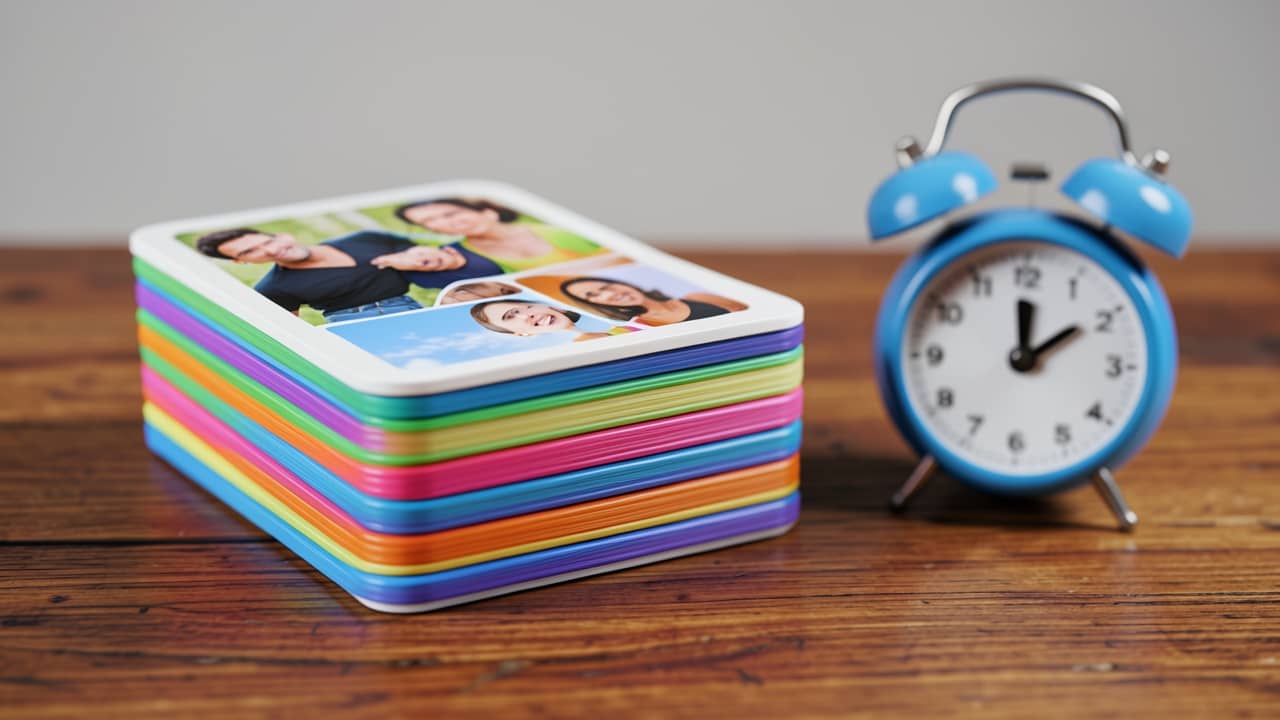
If you're studying for a test, prepping for a certification, or just trying to remember what you read last week, you've probably thought about making flashcards. Google has added three features to flashcards in Gemini Notebook that aim to make that review easier to stick with.
What the new features do
Images from your materials. A flashcard is a small card with a question or term on one side and the answer on the other. Google says flashcards now automatically include relevant images from the materials you upload. If your notes include a diagram of a cell or a chart of sales figures, the matching picture can appear alongside the text prompt. Google says the visual context helps you understand the material, not just memorize the words.
A built-in stopwatch. You can turn on a stopwatch while you review. It tracks how long your session takes, which makes it easier to practice under conditions that feel like a timed exam. Google describes this as a way to simulate timed exam conditions, so you can see whether you're working at the speed a test would demand.
Study reminders on mobile. In the Gemini Notebook mobile app, you can schedule notifications that remind you to review flashcards you've already generated. Google says this supports a structured study schedule, so reviewing becomes a habit instead of something you remember to do the night before a test.
Wrap-up
Google's three updates focus on images, timing, and reminders, so reviewing your flashcards can feel more like a routine. The features are available now for the Workspace release tracks Google lists, and for personal Google accounts. Your next step: open the Gemini Notebook Help Center, read how to generate flashcards, and create one set from notes you already have.
One friendly email every Sunday — the 5 stories that mattered, in plain English. No spam, unsubscribe anytime.
Was this helpful?
✦ Generated by AI in AI World HQ's automated newsroom, from official sources. Checked by automated fact and quality gates, and our editor spot-checks published articles every day. Spot a mistake? Use the buttons above.
 AI WORLD HQ