 AI WORLD HQ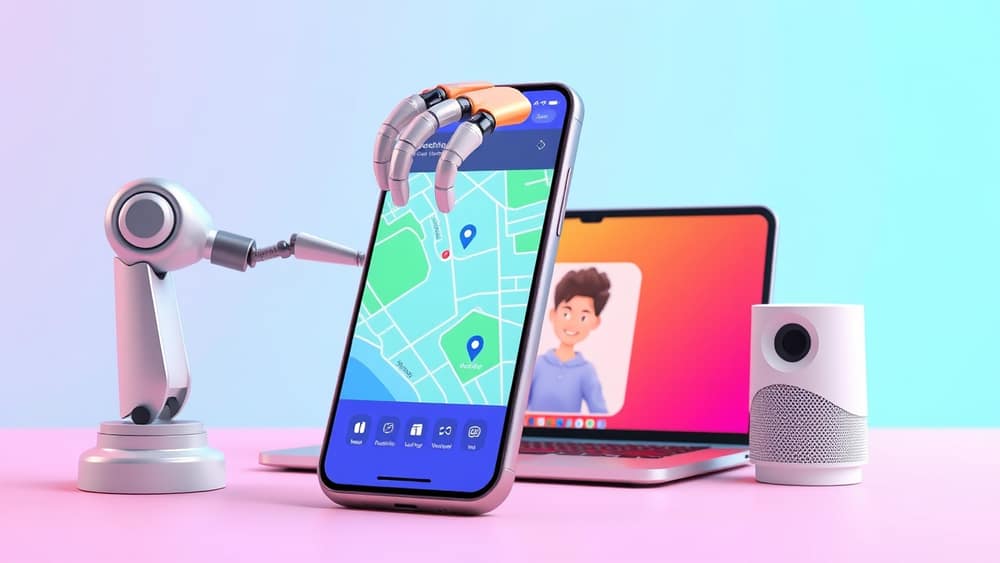
What Multimodal AI Agents Mean for Your Everyday Life
Imagine finishing a long day, opening your fridge, and snapping a photo of what's inside. Within seconds, an AI reads the picture, suggests three meals you could make tonight, adds the missing ingredients to a shopping list, and orders them to be delivered. No typing. No copying. Just point, shoot, done. That kind of help is already on its way, and it's built on two ideas worth understanding: multimodal AI and AI agents.
What "multimodal" actually means
"Multimodal" is a fancy word for a simple idea: instead of only reading text, the AI can also look at pictures, listen to sound, and watch video. Think of it like the difference between a friend who only reads books and a friend who can also watch films and listen to podcasts. The second friend just has more ways to take in the world.
Most AI tools from a couple of years ago worked mostly with typed words. Send them a photo and they'd shrug. The new generation is being built "natively" multimodal — meaning the ability to handle pictures, sound, and text together was part of the design from day one, not bolted on later as an extra feature.
So instead of being a text-only expert that someone stuck a camera onto, the AI genuinely understands a photo of a whiteboard, a voice message, and a paragraph of notes — all in the same chat.
And what is an "agent"?
An "agent" is what we call an AI that doesn't just chat back — it actually does things. It can open apps, run small pieces of code, send emails, or book appointments on your behalf. The word comes from giving the AI permission to act for you, the way a real estate agent acts on your behalf when you're buying a house.
A "native multimodal agent" combines both ideas. The AI can see, hear, and read — and then take action based on what it sees. So you could show it a photo of a leaking tap, ask it to find a plumber, and watch it actually call one. That moves AI from being a clever conversation partner to being a real helper that touches the world.
Things you can already try today
You don't need to wait for this stuff. Several everyday tools already use pieces of it:
- Voice plus photo together: many newer smartphones let you point your camera at a menu in another language and hear it read out loud in real time.
- Meeting helpers: some AI apps now join video calls, listen to the conversation, read shared slides, and write up a tidy summary afterwards.
- Shopping assistants: point your camera at a product on a shelf and the AI will compare prices across websites in seconds.
The "native" part is what makes the next leap bigger. Instead of three separate tools — one for vision, one for voice, one for text — you'll have one assistant that handles all three smoothly in the same conversation.
A small step to try today
Pick one task you currently do in three steps — read, copy, paste. Find an AI tool that lets you do it in one step, by talking to it, showing it a photo, or both. That's your first real taste of what these new native multimodal agents are built for, and a useful habit to build before the bigger versions arrive.