 AI WORLD HQ
This week felt like AI got a little smarter — and a little more useful. Open-source AI reached a new milestone, workplace tools quietly added features that could genuinely save you time, and the debate about how AI should "think" through problems stepped into the mainstream. Here's what's worth knowing.
That "think before answering" button just got better

If you've ever wished AI would take a moment to double-check its work before responding, you're not alone. This week saw a practical guide land on what AI reasoning modes (sometimes called "extended thinking") actually do across popular tools like ChatGPT, Claude and Gemini. The idea is simple: instead of blurting out the first answer, the AI runs through more steps internally — like showing its working out — and can catch mistakes before you see them. The trade-off is it takes longer and uses more of your quota, so the guide breaks down exactly when it's worth the wait (complex research tasks, tricky calculations) versus when you can skip it (quick summaries, simple questions). Whether you call it a thinking button or a slower button, it's becoming a standard feature — and it helps to know when to reach for it.
A new openly shared AI model anyone can use

A new AI system with three trillion parameters — a measure of its size and complexity — dropped this week, and it's being shared openly rather than locked behind a paid service. That's a big deal because it means developers, small businesses and curious individuals can download it, experiment with it and even build their own products on top of it, without asking permission or paying a fee. Bigger open models tend to unlock capabilities like better writing, coding help and problem-solving for everyday tasks — and they push the whole field forward as others study and build on them. For most people this is behind-the-scenes, but the ripple effects — in the apps and tools you use — tend to show up within months.
Read the full story
Voice AI is now taking real customer calls

AI that speaks back to you has been a novelty for a while. This week the news shifted it firmly into the "actually being used" category: voice AI agents are now handling customer service calls around the clock for real businesses. That means if you've called a shop or support line recently and felt like the conversation was unusually smooth, it might not have been a person on the other end. The practical impact for everyday people is mostly positive — 24-hour availability, no waiting in queue for simple queries — but it also raises questions about transparency, and whether businesses should have to tell you when you're talking to a machine. It's a trend worth keeping an eye on as it spreads.
Your Google Meet notes might start showing slides automatically
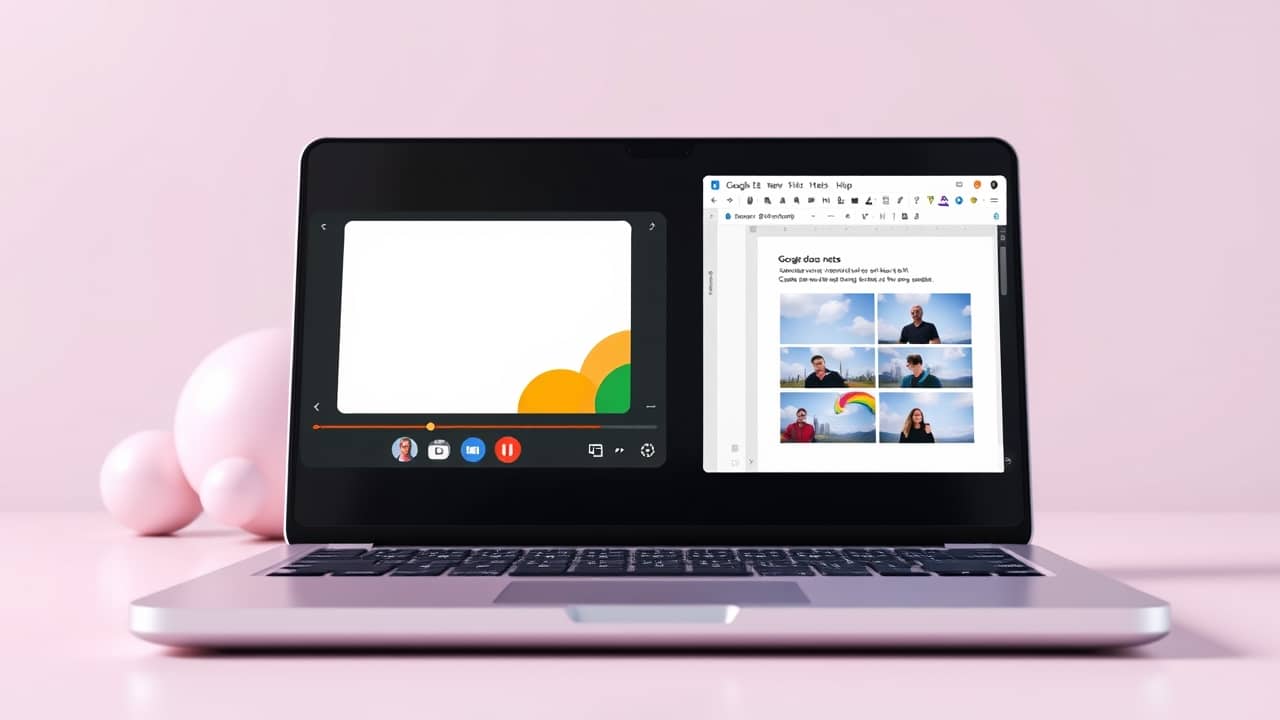
There's a quiet change coming to meeting notes: Google's Gemini AI is starting to automatically drop screenshots of slides and charts into your notes during calls. The feature is rolling out where IT administrators allow it, which means it depends on your workplace's settings. But if it lands in your organization, it could genuinely save you from the post-meeting scramble to remember what was on screen. The catch is it's not perfect yet — timing and accuracy vary — and it relies on your admin turning it on, so most people can't flip the switch themselves. Still, it's a glimpse at how AI is quietly filling in the gaps in your everyday work tools.
Read the full story
Building an AI-ready team without freaking anyone out

Bringing AI into a workplace sounds exciting in theory, but in practice it can create anxiety — job worries, confusion about what's allowed, tools that nobody uses. This week saw a practical guide land on how to introduce AI the right way: starting with leadership buy-in, giving teams genuinely useful tools rather than gimmicks, and building habits that stick. The core advice is refreshingly human: don't lead with jargon or threats, and focus on how AI makes specific tasks easier rather than waving at a vague future. For anyone managing a small team or considering rolling out AI tools at work, it's a useful sanity check.
Read the full story