 AI WORLD HQ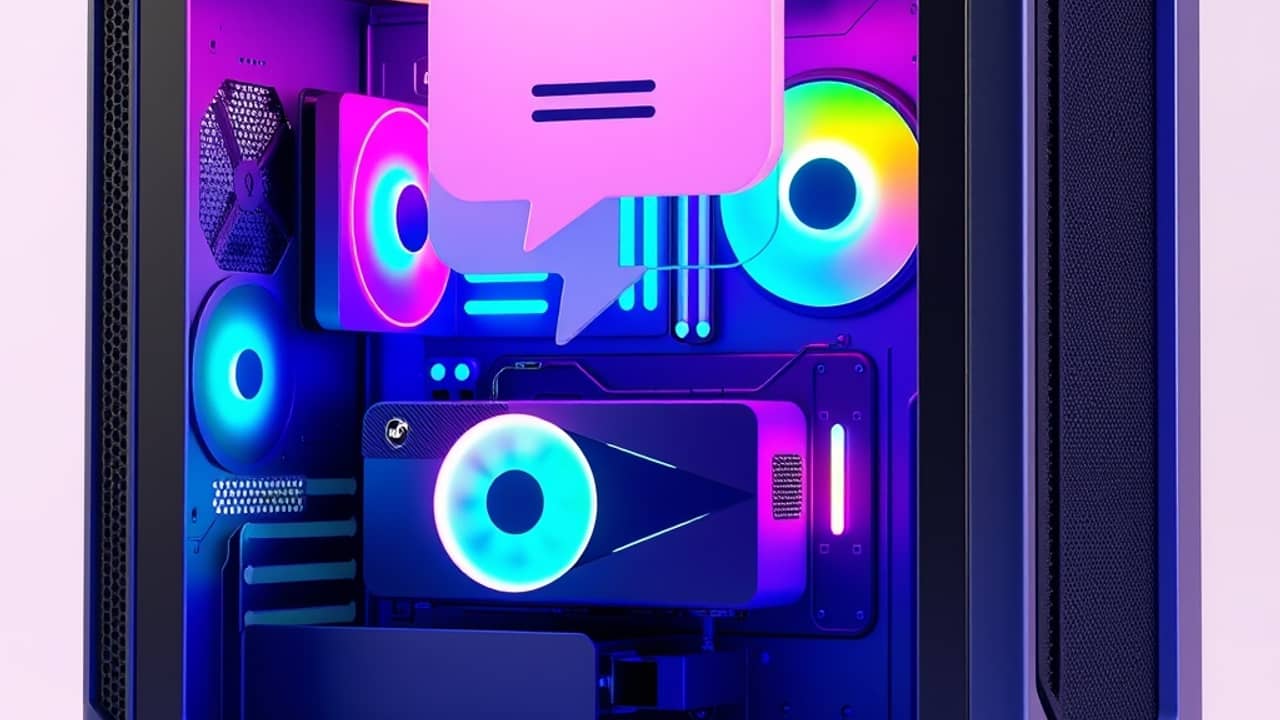
You open a chat with an AI, type a question about a spreadsheet you're working on, and the answer comes back from a server somewhere far away. That's how most AI tools work today. A new wave of tools is starting to flip that around: the AI runs on your own computer instead.
What's a "local" AI?
Most AI tools today are cloud-based, which means when you ask a question, your words travel to a big data center, get processed there, and the answer comes back. A local AI does the same thinking, but on your own PC. Your data doesn't have to leave your house.
Think of it like the difference between doing your taxes with an online app versus using software installed on your computer. The cloud version is convenient. The local version keeps your information closer to you.
Some of these new tools are described as agents, meaning pieces of AI that don't just answer questions but can plan and carry out multi-step tasks on your behalf. For example, an agent might open files, pull together information from a few different sources, and write a short summary, all on its own.
Why does local AI need a powerful graphics card?
Running a capable AI on your own PC takes serious computing power. That's where NVIDIA RTX graphics cards come in. These are the chips normally used for gaming and video editing, and they have specialized parts called tensor cores (think of them as tiny calculators built specifically for AI math) that handle AI work much faster than a regular processor.
In short: you usually need a reasonably modern gaming or creator PC to take advantage of local AI. Because this is a fast-moving area, the exact requirements vary from tool to tool, so check the official specs of any app before installing it.
What's the appeal?
Three big reasons people care about local AI:
- Privacy — your files, prompts, and answers stay on your computer. Nothing is sent to a remote server.
- Offline use — once set up, the AI can keep working even when your internet is down.
- Speed — for some tasks, a local AI can respond faster because there's no round trip to a data center.
These benefits matter more for some users than others. If you work with sensitive documents, like legal contracts, medical records, or business plans, the privacy angle is huge. If you're just asking an AI to write a birthday poem, the cloud version is probably fine.
Wrap-up
Local AI is no longer a tech-demo curiosity. Several companies are now exploring versions that run on your own machine, which means your PC is becoming a serious place to run AI for some tasks. The cloud isn't going away, but for some people, some tasks, the local option is starting to look like the better deal. For now, the smartest move is to know the option exists, check whether your hardware can handle it, and keep an eye on which tools actually deliver on the promise.