 AI WORLD HQ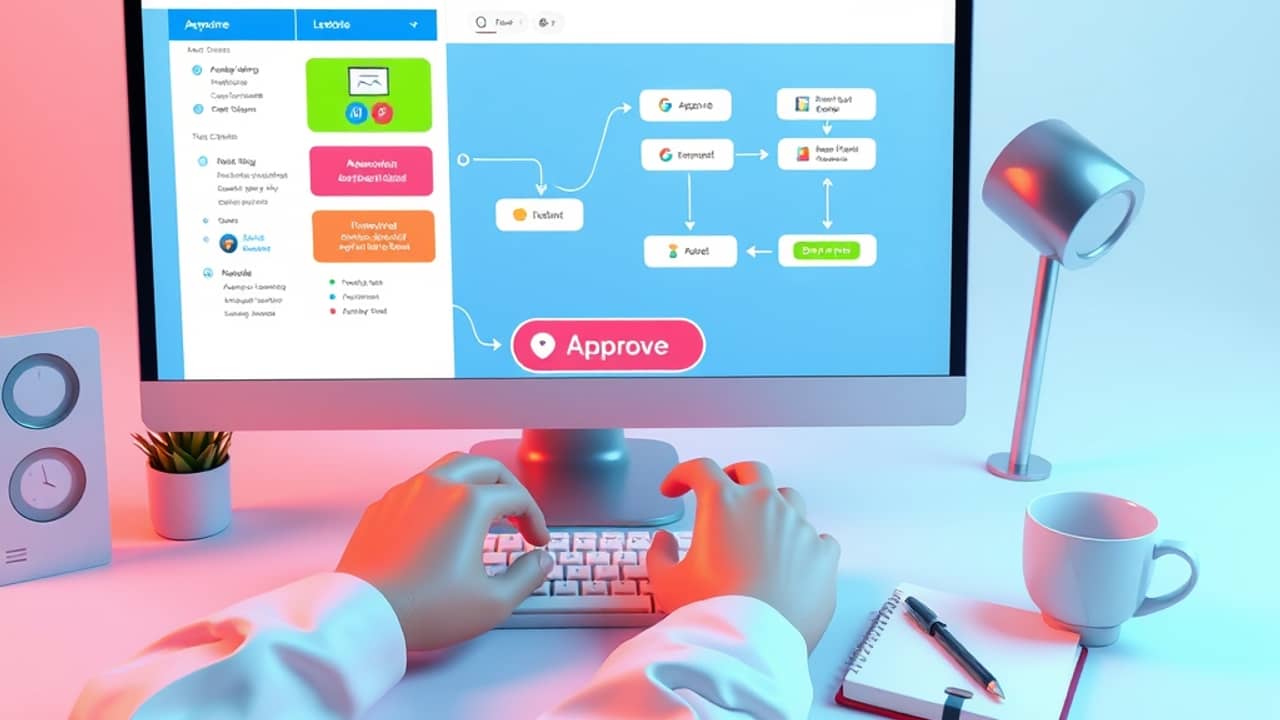
You probably remember the last time a piece of software at work changed on you. A new inbox filter. A switch to a different chat app. A manager who suddenly wanted every status update in a new format. Did everyone embrace it on day one? Probably not. People mostly want to know one thing: will this make my day easier, or will it break something I already know how to do?
That's the part most guides about AI at work skip. They walk you through connecting apps and writing prompts, but they rarely talk about the trust problem. Here are three lessons from automation rollouts that actually stuck — and what they teach you about starting your own.
Trust comes before tools
When a workflow changes how people get paid, get hired, or get followed up with, the biggest risk isn't the technology. It's that nobody believes the new system. People keep their own spreadsheets "just in case." They double-check every output. The automation technically works, but the team quietly works around it.
The fix isn't better software. It's making the first version small enough that humans can vouch for it. Start with a single task, run it in parallel with the old way, and let the results speak. Once three people on the team trust the output, you have something to build on.
Find the bottleneck, not the easy task
It's tempting to automate the things you already enjoy. Drafting emails. Summarizing a meeting. They're satisfying to demo. But the automation that actually pays off is usually the one nobody wants to do — the tedious, repetitive task that quietly takes hours every week and creates errors when people get tired.
Before you automate anything, write down where your week actually goes. Where do tasks pile up? Where do things get stuck waiting for one person? That's your starting point. A boring bottleneck is almost always a better first project than a flashy demo.
Keep a human in the loop
The cleanest automation is rarely the safest. When something goes wrong — a missing field, an unusual situation, a customer's odd request — you want a person who can step in. Treat the first version as an assistant, not a replacement. The AI drafts the email, but a human sends it. The system flags the unusual case, but a person makes the call.
This isn't a permanent compromise. As the system proves itself on real cases, the human checkpoint can move from "every time" to "only when something looks off." But starting with that checkpoint is what makes the rollout survive the first weird Tuesday.
Wrap-up
The best automation isn't the one with the most features. It's the one that disappears into the background because everyone trusts it. Pick a small, boring task, run it for two weeks in parallel, and only scale up once real people — not just you — believe in it. That's a starting point you can take to work tomorrow.