 AI WORLD HQ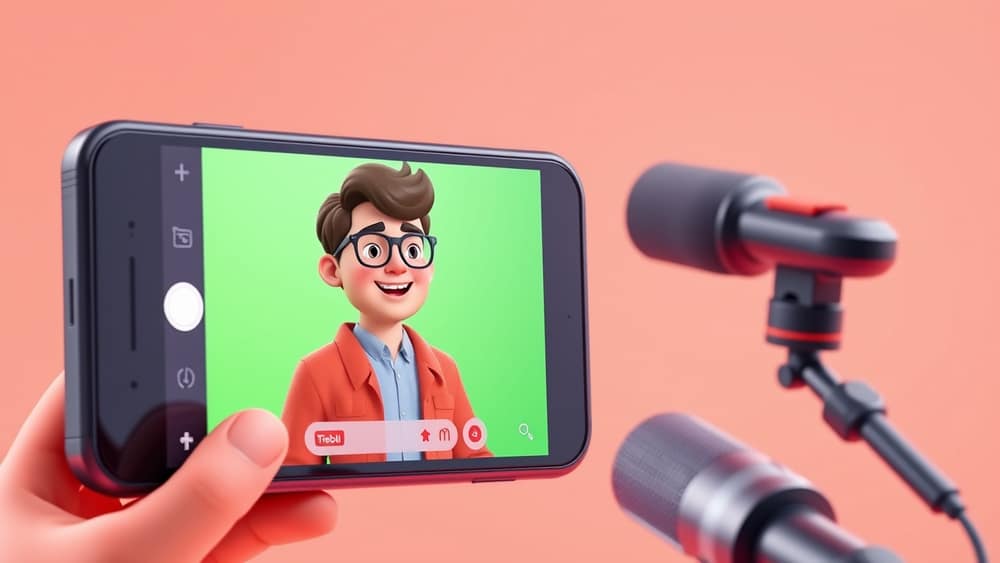
Create Engaging Videos with AI, Even Featuring a Digital You
Have you ever wanted to create a video but felt daunted by the editing software, scripting, or even just getting in front of the camera? Imagine if an artificial intelligence (AI) could handle much of that for you, turning your ideas into a polished video in minutes, complete with a digital version of yourself. That future is here, and it’s becoming incredibly accessible for everyone.
Getting Started with AI Video Tools
At its core, AI video creation simplifies the entire filmmaking process. Instead of needing complex software and hours of work, you often just need an idea, a script, and access to an AI video tool. These tools use powerful algorithms (think of them as complex sets of instructions that computers follow) to generate visuals, create voiceovers, and even animate characters based on your input.
Think of it like having a personal video production studio in your browser. You type what you want to say, and the AI helps bring it to life visually. It takes the heavy lifting out of tasks like finding stock footage (pre-recorded video clips you can use), choosing background music, and ensuring smooth transitions, letting you focus on the message.
Crafting Your Digital Self (Avatars)
One of the most exciting advancements is the ability to create and use a "digital avatar" or "digital twin" of yourself. This is an AI-generated representation of a person – it could be a completely fictional character, or it could be designed to look and sound just like you.
How does it work? You might upload a few photos and a short recording of your voice, and the AI learns to replicate your appearance and speaking style. Once created, this digital avatar can "star" in your videos, delivering your script with natural-looking facial expressions and gestures, all without you needing to record a single frame of yourself. It's like having a virtual presenter that's always ready to go, no matter what you want to say.
A Few Steps to Your First AI Video
While specific tools will vary, here’s a common workflow for creating an AI-powered video:
- Write your script: Start with your message. What do you want your video to communicate? Keep it concise and clear.
- Choose your visuals: Many AI tools offer a library of stock images and video clips. Some can even generate custom visuals from text prompts (simple descriptions you type, like "a bustling city street at sunset").
- Select your voice (or avatar): You can pick from various AI-generated voices, often in different accents and styles. If you've created a digital avatar, this is where you'd select it to speak your script.
- Assemble and preview: The AI takes your script, visuals, and chosen voice/avatar, then stitches them together. You can usually preview the video and make adjustments.
- Refine and export: Add background music, text overlays, or captions if needed. Once you're happy, export your video in your desired format.
Wrap-up
AI video creation, especially with the addition of digital avatars, makes producing high-quality video content more accessible than ever before. It frees you from the technical complexities, allowing you to focus on your message and creativity. Why not explore some of these tools today and see what kind of engaging videos you can bring to life?