 AI WORLD HQ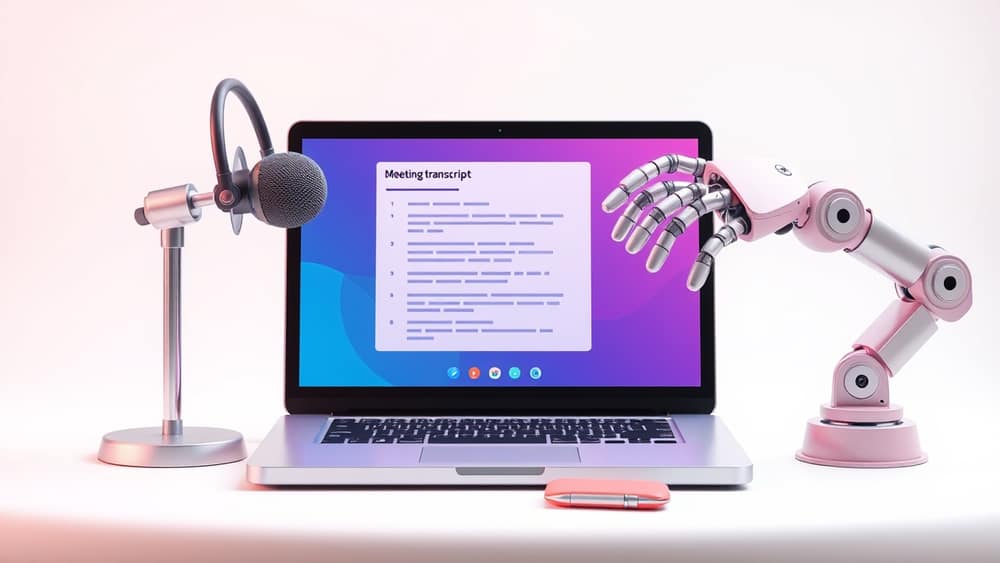
Automate Your Meeting Notes: How AI Can Help You Stay Organised
Have you ever left an online meeting feeling overwhelmed, wondering if you caught all the important points or action items? Keeping track of discussions can be tricky. Thankfully, artificial intelligence (AI) is stepping in to make meeting note-taking much simpler and more accurate.
What is AI meeting note-taking?
At its heart, AI meeting note-taking uses smart computer programs to listen to your conversations and automatically create a summary of what was said. Think of it like having a super-efficient personal assistant who attends every meeting with you, silently capturing all the key details.
These tools typically rely on several AI capabilities:
- Speech-to-text transcription: First, the AI converts spoken words into written text. This process is called transcription, and it's the foundation for everything else.
- Speaker identification: Many advanced tools can recognise who is speaking, so your notes can clearly show who said what.
- Summarisation: Once the text is available, the AI uses sophisticated algorithms (sets of rules and instructions that tell a computer how to solve a problem) to identify the most important points, decisions, and action items, then presents them in a concise summary.
Some popular video conferencing platforms, like Google Meet, are increasingly integrating these AI features directly, making it easier than ever to turn on automated note-taking.
How it works in practice
When you use an AI note-taking feature in an online meeting, the process is usually quite straightforward:
- Enable the feature: Before or during your meeting, you'll typically find an option within your video conferencing platform to "turn on" AI note-taking. Some company administrators might even set this to happen automatically for certain types of meetings (for example, those with three or more participants).
- The AI listens: As the meeting progresses, the AI silently processes the audio, creating a live transcription in the background. It pays attention to keywords, phrases, and discussion patterns to understand the context.
- Summary generation: Once the meeting ends, or sometimes even in real-time, the AI compiles a summary. This isn't just a basic word-for-word transcript (though you can often get that too). Instead, it highlights:
- Key discussion points: The main topics covered.
- Decisions made: What was agreed upon.
- Action items: Specific tasks assigned, often with who is responsible and by when.
- Follow-up questions: Any open questions that need further discussion.
- Review and share: The AI-generated notes are then usually available for you to review, edit if necessary, and share with other meeting participants. This ensures everyone is on the same page.
The benefits of AI-powered notes
The main advantage is simple: it frees you up to focus completely on the discussion itself. You can engage more deeply, contribute without the distraction of frantic typing, and trust that the important details are being captured.
Other benefits include:
- Accuracy: AI can often capture every word, reducing the chance of human error or missed details.
- Time-saving: No more spending hours after a meeting trying to decipher your scribbles or write a comprehensive summary.
- Accessibility: Provides a written record for those who couldn't attend or need to refer back to specific points.
- Consistency: AI notes follow a consistent format, making them easier to read and search later.
Wrap-up
AI note-taking is quickly becoming a standard feature in our digital meeting rooms, helping us move from chaotic discussions to clear, actionable summaries. By embracing these tools, you can boost your productivity, improve communication, and ensure that every valuable point from your conversations is captured. Why not check your favourite meeting platform today to see how you can start automating your notes?