 AI WORLD HQ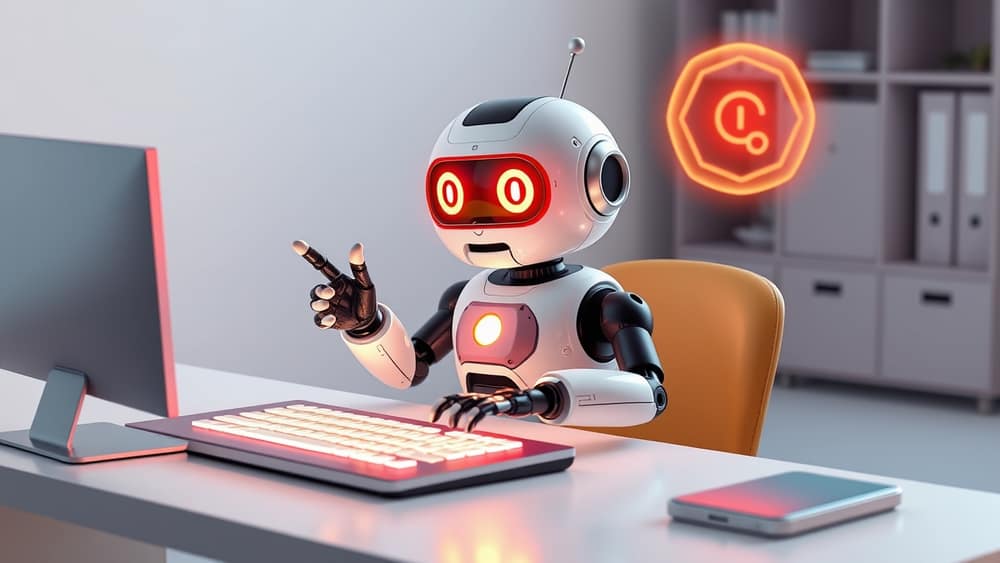
You've probably had one of those mornings — 30 unread emails before your first coffee, a meeting in 15 minutes, and three tasks you forgot about yesterday. An "AI coworker" is a newish idea in workplace tech: software that sits beside you and quietly helps with exactly this kind of mess.
What we mean by "AI coworker"
An AI coworker is an AI assistant — a chatbot-style tool powered by a large language model (LLM), basically the same kind of engine that runs ChatGPT — that you can ask to handle chunks of your workday. It's not a robot at the next desk. It's more like a very fast helper who reads, writes, summarizes, and looks things up, usually through the apps you already use, like your email, calendar, or document tools.
The "coworker" label comes from how these tools have started to take actions, not just answer questions. Some can draft an email for you to review. Some can pull data from a spreadsheet and turn it into a short summary. A few can even schedule meetings or post updates in a chat tool while you focus on something else.
The kinds of jobs people are already handing off
A few practical examples that readers are already trying:
- Triage the inbox. You ask the AI to read your unread messages and group them — urgent, needs a reply, just FYI. You decide what to do with each one.
- Meeting follow-ups. After a video call, the tool turns the transcript into a short list of decisions and action items.
- First drafts. You give it a topic and a rough outline; it writes a draft email, report, or proposal that you edit before sending.
- Research summaries. Instead of opening 15 browser tabs, you ask for a one-paragraph summary of a long document or a topic.
- Spreadsheet help. You describe what you want to know — "which products sold best in California last month?" — and the AI tries to write the formula or query for you.
These all follow a simple pattern: the AI does the first 80%, and you check and finish the last 20%.
A few honest things to consider
Before you start using one at work, a few practical points worth knowing:
- Privacy matters. Anything you paste into an AI tool may be stored or used to improve the model. Don't paste customer data, private records, or anything covered by your employer's IT policy without checking first.
- It's not always right. AI assistants can confidently give you the wrong number, miss a key detail, or invent a quote. Always read the output before you act on it — especially in work contexts.
- It changes the job, not the person. In most roles, an AI coworker takes the boring, repetitive bits. The thinking, judgement, and creative parts still come from you.
Wrap-up
An AI coworker is best thought of as a capable assistant that handles the routine parts of your day, leaving you to focus on the parts only you can do. Pick one task you do every week, try a tool your workplace already supports, and spend 30 minutes this week seeing what it does well — and where it makes mistakes.