 AI WORLD HQ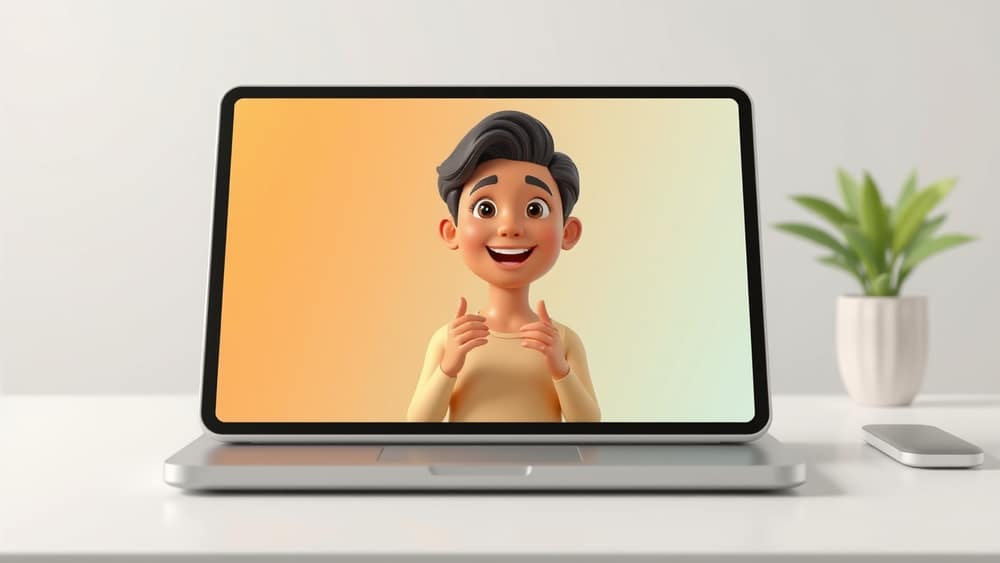
Interactive AI Avatars: What They Are and How You Might Use Them
You've probably watched an explainer video today without really thinking about it. The animated presenter walking through a product demo. The cartoon host breaking down a tricky idea. The on-screen trainer taking you through workplace safety. They're everywhere — and most are one-sided: you watch, you nod, you move on.
Now imagine that same presenter could look you in the eye, listen to your question, and answer it back. That's the promise of interactive AI avatars.
What is an interactive AI avatar?
Think of it as a digital human — a realistic or stylised face on a screen, powered by AI. Behind the face, two engines work together:
- A video-generation model (AI software that creates moving footage) that animates the face, mouth, and body so it speaks naturally.
- A conversational model — the same kind of AI brain that powers ChatGPT — that listens, thinks, and decides what to say back.
Put them together and you get a person on screen who can hold a real conversation. Ask a follow-up and they answer it. Ask them to slow down, repeat a point, or use plainer language, and they adjust. "Interactive" just means two-way: instead of pressing play and watching, you actually talk to it.
This is different from the old one-way explainer videos on YouTube, where the script is fixed and there's no way to ask a question. In a sense, the avatar is a small AI assistant wearing a face.
Why is everyone talking about this now?
Two shifts are combining.
First, AI video tools have got much better at generating realistic talking faces. A couple of years ago the results were janky and obviously fake. Now the lip-sync (matching the mouth movement to the words), facial expressions, and voice quality are convincing enough for real business use.
Second, explainer videos have always been hugely popular as a teaching format. For years, industry reports have pointed to the explainer-video market as one of the fastest-growing corners of online content, used for everything from onboarding new staff to selling products.
Combine a realistic, conversational avatar with the explainer-video format and you get something new: a training or marketing video that can talk back. Instead of producing twenty versions of the same induction video for twenty different roles, a company could make one avatar that tailors itself to whoever is watching.
A few ways this could show up in your week
- Workplace training: instead of sitting through a 40-minute compliance video, you chat with an on-screen trainer who quizzes you and answers questions in real time.
- Customer support on websites: the polite "How can I help you?" window becomes a face, not just a chat box, and the avatar can point things out on screen while it explains.
- Learning a new topic: imagine a digital tutor on a library website who walks you through a tricky tax form or a new piece of software, one question at a time.
- Marketing and product demos: a brand's spokesperson can sit on the homepage and have a different conversation with every visitor, depending on what they want to know.
A simple starting point to try today
The easiest way to understand this technology is to play with it. Pick a short topic you know well — how to make a good cup of coffee, how to change a tyre, the basics of a hobby you love — and use a free AI video tool to make a one-minute avatar explaining it. Watch it back. Notice what feels natural and what still feels off. That five-minute experiment will teach you more about where this technology really is in 2026 than any article online.
Interactive AI avatars are no longer a sci-fi concept. They're a tool, with all the same upsides and rough edges as any new tool. The trick is to start small, stay curious, and watch for the moments when a face on a screen genuinely makes something easier — not just flashier.