 AI WORLD HQ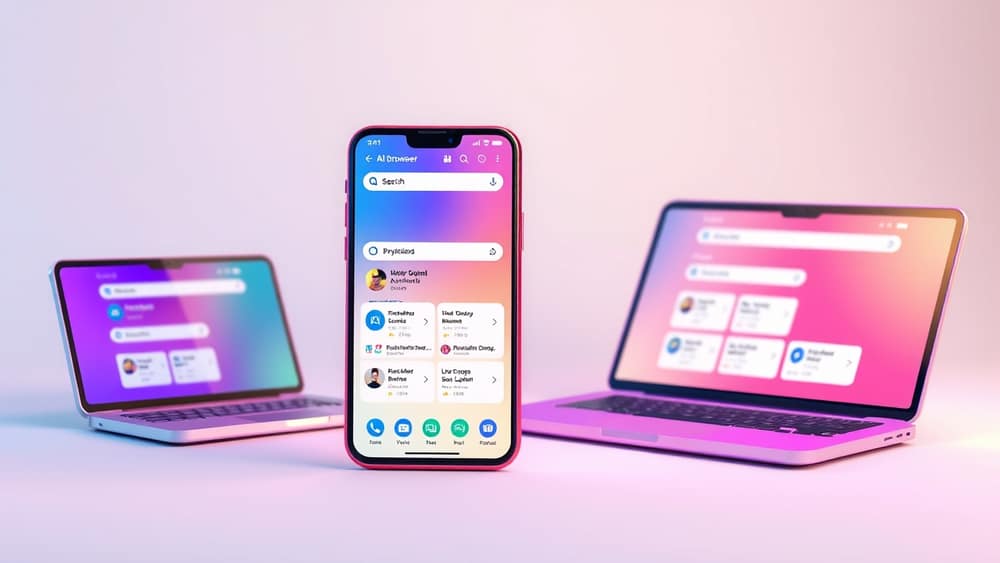
AI Browsers Explained: How a Smart Browser Can Help You Every Day
Think about the last time you opened your web browser. Maybe you had a dozen tabs open, a document you needed to write, and a question you wanted to answer. The browser helped you reach a website, but everything else — the summarising, the comparing, the writing — you did yourself. A new kind of browser is changing that.
What is an AI browser?
An AI browser is a web browser (the app you use to open websites, like Chrome or Safari) that has an artificial intelligence assistant built right into it. Instead of just showing you web pages, it can read what's on the page, summarise it for you, answer your questions, and even help you take action — like drafting an email or filling in a form.
Think of it like this: a normal browser is a window onto the internet. An AI browser is a window with a helpful assistant sitting next to it, ready to explain what you're looking at.
One example is Comet, a browser made by Perplexity. Perplexity is a company known for its AI search engine — a search engine that gives you direct answers instead of just a list of links. Comet brings that same idea into a full browser experience.
What can it actually do?
Here are some everyday things people use AI browsers for:
- Summarise long pages. Reading a 3,000-word article on superannuation changes? Ask the browser to give you the five key points in plain English.
- Compare options. Shopping for a new laptop? Ask it to pull out the specs and differences between two models across different tabs.
- Draft replies. Stuck on an email? Highlight what someone wrote and ask the assistant to suggest a polite reply.
- Research faster. Instead of opening ten tabs and reading them all, ask the browser to find the answer to your question and show you where the information came from.
- Organise tasks. Some AI browsers can help you create shopping lists, plan trips, or schedule appointments based on what's on the page you're viewing.
A few tips if you want to try one
- Start small. Don't try to change everything on day one. Pick one task — like summarising long articles — and try it there first.
- Always check the source. AI assistants can sometimes get things wrong. If the browser gives you a fact, glance at the source it points to.
- Use it for reading, not just searching. Most people use AI browsers the same way as old search engines. The real power is in asking follow-up questions about what you've already opened.
- Keep your personal info private. Like any tool, don't share sensitive details (like your tax file number or bank login) through the assistant.
Wrap-up
AI browsers are a quiet but meaningful shift in how we use the web. The browser you're using today shows you pages; an AI browser helps you understand them, act on them, and get on with your day. If you're curious, look into an AI browser like Comet from Perplexity, pick one task you do often, and let the assistant have a go. You'll know within ten minutes whether it's worth keeping in your daily routine.